
Inside Connected Cars: How Vehicle Telematics APIs & Real-Time Cloud Sync Actually Work
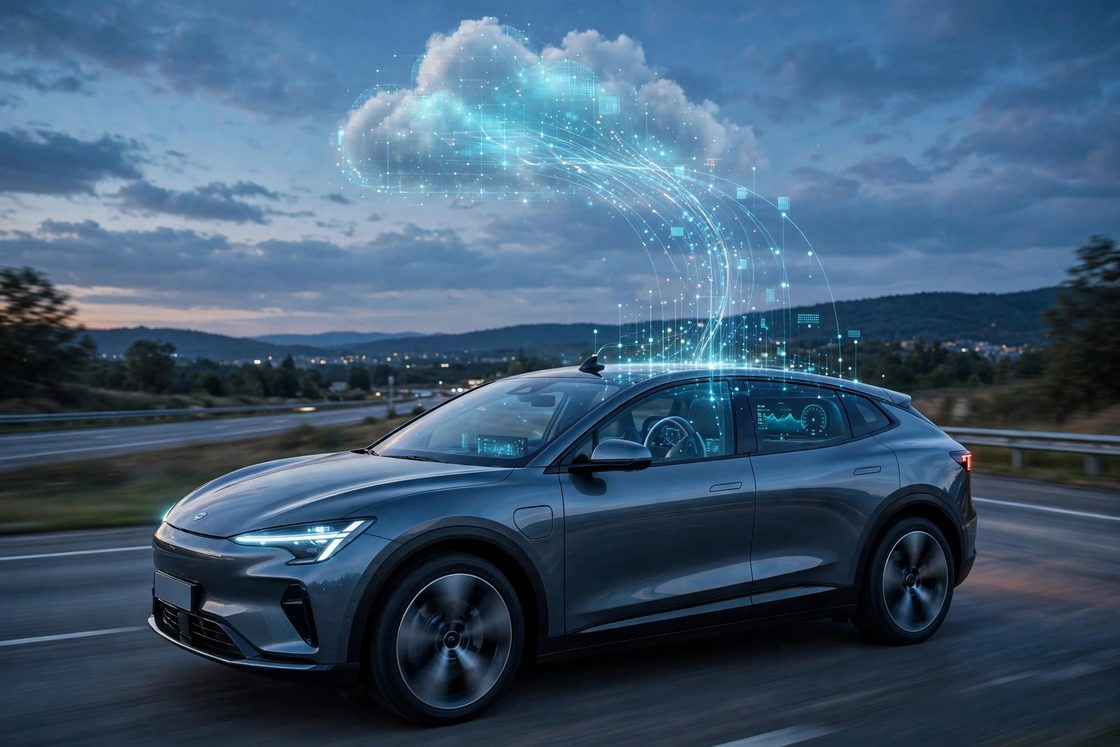
Open a car app and you can see where a vehicle is, how fast it went, and whether it needs fuel — from a phone hundreds of kilometres away. A single location reading travels from a sensor inside the car, through a small computer bolted to the vehicle, across a mobile network, into a cloud system, and finally down to your screen.
This article follows one piece of data on that journey. There are no vendor secrets here and no invented specifications: the pieces below — sensors, the telematics unit, MQTT, cloud sync and over-the-air updates — are the public, standard building blocks every connected-car system is assembled from.
The journey of one data point
Take a single GPS reading: latitude, longitude, speed and a timestamp, captured at 10:04:31. The car's GPS receiver works out its position from satellite signals, That reading is useless on its own — it is a fact with no address. The rest of the system exists to give it one.
The reading is handed to the telematics control unit, a small computer in the car that collects signals, adds context, and decides what to send. It stamps the reading with the vehicle's identity and bundles it with speed, fuel level and ignition state.
From there the bundle leaves the car over the mobile network, usually 4G, and arrives at a message broker in the cloud. The broker is a post office: it accepts messages from thousands of vehicles and hands them to the services that need them. A storage service files the reading into a time-series database. A rules service checks it — is the car outside its allowed area, is it speeding, has it been idle for an hour? And an API layer makes the latest reading available to the app on your phone, which draws the dot on the map. The trip takes a second or two on a good connection. When the connection is bad, the unit stores the reading and sends it later, in order — store-and-forward is the difference between a demo and a system that survives a real road.
The telematics unit: the car's translator
The telematics control unit, or TCU, is the least visible and most important box in the car. It sits between the vehicle's own networks and the outside world, and it speaks both languages. On the car side it reads the CAN bus — the internal network over which the engine, brakes, doors and dashboard already talk to each other — plus the GPS receiver and an accelerometer. On the outside it has a cellular modem, a SIM, and enough storage to hold hours of readings when the network is gone.
The TCU's real job is judgement, not collection. A car generates far more data than any network should carry, so the unit decides what is worth sending. A steady speed on a highway might be reported every thirty seconds; a sudden deceleration is reported immediately; a parked car with the ignition off might report once an hour, or not at all, to save battery and data. Those rules — called reporting profiles — are usually set from the cloud, so a fleet operator can ask for more detail during a trip and less when the vehicle is parked overnight, without touching the car. When the engine is off, the unit runs on the car's battery, so good units sleep deeply and wake on a schedule or on an event such as a door opening.
How the data travels: MQTT and WebSockets
Two protocols carry almost all of this traffic, and they solve different problems. MQTT is the workhorse between the car and the cloud. It is a lightweight publish-and-subscribe protocol designed for unreliable networks: the car publishes a message to a topic such as vehicles/DL-04-1234/location, and any cloud service subscribed to that topic receives it. MQTT keeps a persistent connection with very small overhead, reconnects itself after a dropout, and can guarantee delivery — the broker holds a message until the subscriber confirms it.
A typical publisher is only a few lines. The shape of it is the same in production, with certificates and a real broker added:
import json, time
import paho.mqtt.client as mqtt
client = mqtt.Client(client_id="vehicle-DL-04-1234")
client.tls_set()  # production: mutual TLS, one certificate per vehicle
client.connect("mqtt.fleet.example.com", 8883, keepalive=60)
payload = {
    "vehicle_id": "DL-04-1234",
    "ts": int(time.time()),
    "lat": 28.6139, "lon": 77.2090,
    "speed_kmh": 42, "ignition": True,
}
client.publish("vehicles/DL-04-1234/location", json.dumps(payload), qos=1)
client.disconnect()
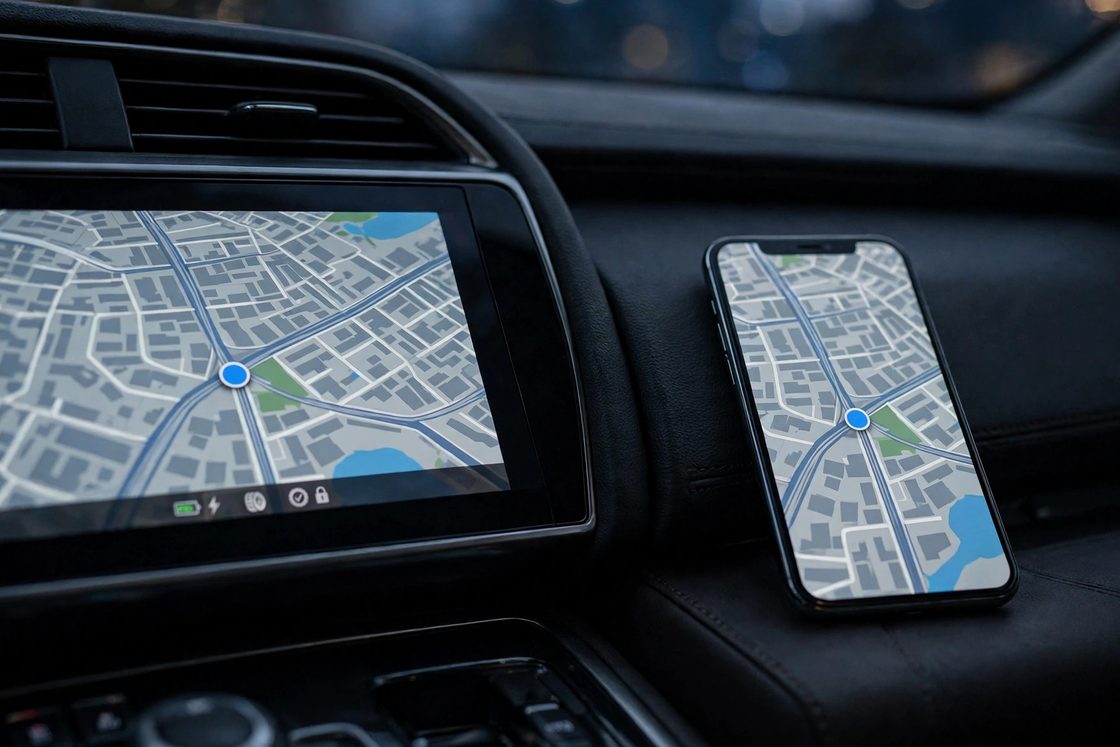
WebSockets do the other half of the job: the live link between the cloud and the app on your phone. Where MQTT is car-to-cloud, a WebSocket is cloud-to-screen — the server pushes each new reading to the app the moment it arrives. The app still uses ordinary HTTPS calls for everything that is not live: trip history, reports, settings. The split is deliberate. MQTT is built for thousands of small publishers on flaky mobile networks; WebSockets are built for a smaller number of screens that want instant updates.
The components, side by side
| Component | Where it lives | What it does |
|---|---|---|
| GPS receiver | In the car | Works out position, speed and time from satellites |
| Vehicle sensors | On the CAN bus | Fuel, speed, ignition, door and engine signals |
| Telematics unit (TCU) | In the car | Collects, filters, stores and sends; sleeps to save battery |
| Cellular network | Between car and cloud | Carries messages; 4G in most deployments today |
| MQTT broker | Cloud | Receives vehicle messages and fans them out to services |
| Rules engine | Cloud | Checks each reading against alerts: geofence, speeding, idle time |
| Time-series store | Cloud | Keeps the history so trips and reports can be rebuilt |
| API layer | Cloud | Serves the app: latest location, history, settings |
| WebSocket gateway | Cloud | Pushes live readings to the phone app as they arrive |
| Phone app / dashboard | User's device | Draws the map, the alerts and the reports |
The vehicle collects and forwards; the cloud stores, decides and serves — a fleet is a cloud problem with a car attached.
Cloud sync: turning a stream into a record
A stream of readings is not yet a trip. The cloud has to turn thousands of timestamped points into something a human can use: a trip with a start, a route, a distance and an end. The ingestion pipeline does three unglamorous jobs. First, it orders the readings — messages arrive out of order when a car reconnects after a dead zone and sends its stored backlog, so the pipeline sorts by the timestamp the car recorded. Second, it deduplicates: a message delivered twice because of a retry must not count twice. Third, it flags gaps honestly instead of drawing a straight line through a stretch with no data.
OTA updates: the car that changes after delivery
Over-the-air updates are the part of the system most people never see and most engineers lose sleep over. A TCU's software — its reporting rules, its modem settings, its security certificates — can be updated remotely. The update is a file delivered over the same cellular link, downloaded in the background, verified against a signature, and installed on the next restart.
What breaks in practice
The first thing that breaks is the network, and it breaks in boring ways: a basement car park, a rural stretch with one bar of signal, a tunnel. The system survives this only if the TCU stores readings and replays them in order. The second thing that breaks is the clock. A unit that boots without a satellite fix can stamp readings with the wrong time, and a stream of wrongly timed points corrupts trip calculations silently. Good pipelines sanity-check timestamps against arrival time and quarantine readings that claim to be from the future.
What to do next
If you are building anything that moves, start from the data journey, not the dashboard. Write down the one reading you need most, follow it from the sensor to the screen, and list every box it passes through. That list is your architecture. We build the cloud side of systems like this — APIs, webhooks and dashboards that turn a stream of readings into something a business can act on — through our Custom API & Backend Development and WhatsApp API Integration, with the app itself via Mobile App Development from ₹29,999. Get an instant estimate, or describe your fleet on WhatsApp and we will map the data journey with you.