
Automating Mandi Markets with WhatsApp & Sheets
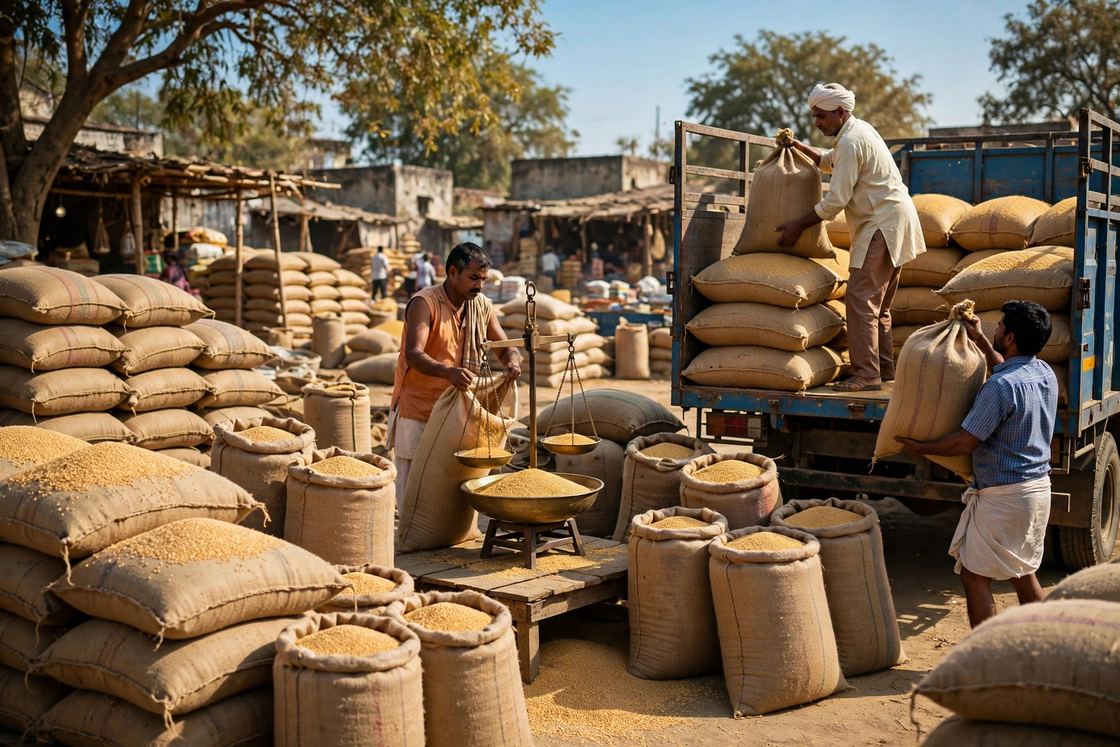
Every morning in a grain mandi follows the same pattern. Rates change, phones start ringing, and one person spends the best part of the morning repeating the same numbers to trader after trader. By the time the last call is done, the rate has moved again. Nobody in that chain is doing anything wrong — the rate just lives in one person's head and travels by phone call, one trader at a time.
The morning, as it actually runs, looks something like this. The wholesaler gets the day's rates, then the calls begin. Each call is short, but there are dozens of them, and each one interrupts whatever else needed doing. Some traders do not pick up, and one writes the number down wrong and calls back to check. By mid-morning, the wholesaler has spent the best hours of the day as a human loudspeaker, and every trader has heard the rate at a different time, sometimes with a different number attached. A trader who heard yesterday's rate buys at yesterday's price; a trader who missed the call does not buy at all.
The cost is not the phone bill. It is the morning spent on calls instead of on buying, selling and moving stock. That is the problem worth solving — narrow enough to automate cleanly, without rebuilding the whole business around a new app.
The system in one paragraph
Here is the whole system. The wholesaler enters the day's rates once, in a Google Sheet. A small program reads them and sends one message through the WhatsApp Cloud API to every trader on the list — the same message, at the same time, to everyone. The Sheet keeps the record — every rate sent stays in a row with its date and time. One entry, one send, one version of the truth.
Three pieces, and what each one does
The Google Sheet
The Sheet is where the wholesaler works, and it is deliberately the most boring part of the system. It has two tabs. The first holds the rates: one row per commodity per day, with the date, the commodity name, and the rate. The second holds the trader list: name, phone number, and the commodities each trader wants to hear about, so a wheat buyer does not get mustard rates. The wholesaler can see and edit both tabs. Nothing is hidden in a database nobody can open, and if the automation ever stops, the rates are still there in a format anyone can read.
The Sheet is also the record. Every rate ever sent stays in a row with its date and time, so a dispute about what the rate was on Tuesday has an answer in seconds — open the Sheet, find Tuesday, read the row. Over a season, that record shows how a commodity moved across weeks, without a separate diary.
The trigger
The trigger is the piece that watches the Sheet and decides when to send. In practice it is a small Python program, run on a schedule — a Linux cron job or a GitHub Action, once in the morning after rates are entered. It reads the day's rates and the trader list, and builds the message. It also does the quiet checks that keep the system trustworthy: is every rate filled in, or did someone leave a cell blank? Is any number wildly different from yesterday's, which usually means a typing slip? The trigger flags anything odd before it goes out, rather than after a hundred traders have already read it. If a check fails, nothing sends, and the wholesaler is told what needs fixing.
WhatsApp, through the Cloud API
Delivery runs through the WhatsApp Cloud API — Meta's official route for businesses to send messages — not through a personal phone with a script attached to it. That distinction matters. A personal number can be blocked and a phone can run out of battery. The Cloud API sends from the business account, under the business name, and replies come back into the same thread. Traders install nothing and learn no new app. The rates arrive in the WhatsApp they already open first thing in the morning. That is the whole design principle: meet people where they are.
What the message actually says
The message template is short, and it stays short on purpose. Traders read it on a phone, usually while doing something else, and a long message gets skimmed or skipped. Every send uses the same shape, so traders learn where to look: date first, then the rates. A typical morning message looks like this:
MANDI RATES — 8 Nov 2026

Wheat: Rs 2,425 / quintal
Paddy (Common): Rs 2,183 / quintal
Mustard: Rs 5,650 / quintal

Rates are for today only. Reply to confirm your order.
Two things about that template are deliberate. First, every rate carries its unit — per quintal — because a number without a unit invites misunderstanding. Second, the message never contains a rate not entered that morning. If a commodity has no rate today, it is left out rather than guessed, and the trigger's blank-cell check enforces that. The template is approved once, and then it does not change — only the numbers inside it change.
Setting it up: the checklist
Getting this running takes a few steps, and the order matters. The technical build is the easy half; the list and the permissions decide whether the system is welcome or a nuisance.
- Trader list, with permission. Collect the numbers of the traders who want the rates, and their explicit yes to receiving them. A number copied from an old bill book is not permission.
- WhatsApp Business account. The messages go out under the business name, with the message template submitted and approved first.
- The Sheet, shaped before the first send. Rate tab, trader tab, commodities each trader wants. Fill in a few days of sample rates first.
- Daily rate entry, owned by one person. Decide who enters the rates each morning and by what time.
- Test send to two or three numbers. The wholesaler's own phone and two trusted traders. Read the message as a trader would, check the numbers, the units, the date, and fix anything wrong.
- First real send, watched live. Send to the full list only after the test has been seen and approved. Answer the replies that come in — they are the buying conversation.
We set up the technical side; the wholesaler keeps the parts only they can own: the list, the rates, and the replies.
What it costs
The build is a Python Automation project, starting at ₹7,999. That covers the Sheet, the trigger, the template and the test send. WhatsApp messaging is charged by Meta per conversation, under WhatsApp's own pricing — we do not mark it up, and we show the cost before anything goes live. There is no per-trader fee from us, and no monthly charge for the Sheet.
Two ways this goes wrong
Two pitfalls, both easy to prevent and expensive to fix after the fact.
A list without permission
Rate messages are only welcome when people asked for them. A list built from numbers that never opted in will get the messages reported, and a reported business number is a business number at risk. Keep the list permission-based from day one, and take a number off the moment someone asks to stop.
Rates entered wrong
The system delivers exactly what is entered — it cannot fix a wrong number, it can only deliver it faster. A mistyped rate sent to a hundred traders is worse than a correct rate phoned to ten. That is why the trigger flags blank cells and wild jumps from yesterday's rates. Enter the rates carefully, check them once, and the automation does the rest.
If your morning still runs on phone calls, count them for one day — that count is the size of the morning you get back. Then tell us on WhatsApp how your rates go out today, and we will show you the automated version — or read how our Python Automation and WhatsApp chatbot work fits together.