
No-Code vs Custom Website: What to Build in 2026
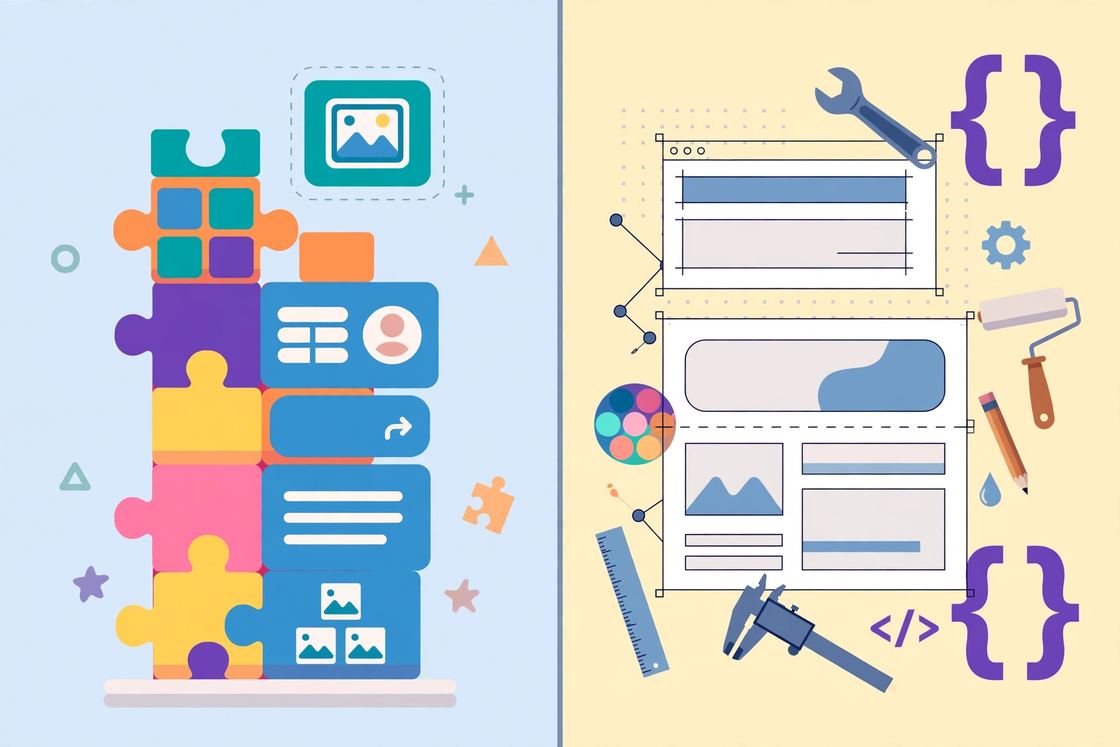
Most articles on this topic pick a winner. That is the wrong way to decide. No-code and custom solve different problems at different stages, and the choice depends on what you need now, what you can spend, and how fast you must be live. We build custom websites at MetaPrime, yet we tell clients to start no-code when that is the honest answer. Below: a stage-based way to choose, the 2026 costs as reported by others, and the questions that actually decide it.
When no-code is the right start
No-code is the right start when speed and budget rule. If you need a landing page, a simple brochure site, or a first version of an idea, a builder gets you live in days, not weeks. You can test a headline and a price, and see whether enquiries come in. That speed is the real value: you learn what customers ask for before spending serious money. Entry builder plans were $15 to $29 a month in DigitalTreed's October 2026 price check, with prices read on 24 October 2026.

No-code vs custom, side by side
| No-code builder | Custom website | |
|---|---|---|
| Time to launch | Days, from a template | Weeks, built to your brief |
| Up-front cost | Low, a monthly plan | Higher, a one-time build from ₹4,999 for a landing page |
| Cost over time | Rises with every feature and every plan tier | Flattens after the build, plus hosting |
| Custom features | Whatever the builder allows, then it stops | Built to your exact process |
| Data and ownership | Lives inside the platform | Yours, on hosting you control |
| SEO and performance control | Sensible defaults, limited depth | Full control over structure, speed, and technical SEO |
| Moving away | Usually means rebuilding | Your code and content move with you |
What the costs actually look like
No-code looks cheap at the start and grows with you. Paloozalabs, in August 2026, put no-code at $20 to $200 a month, a custom MVP at around $6,000, and break-even at 2.5 years. Those are Paloozalabs' estimates, not ours, and they are worth quoting with the label attached, because they depend on which builder, which plan, and which features. WPBrigade, updated around 2 November 2026, put it plainly: "No-code is the right start. Custom WordPress is the right next chapter". Its October 2026 checks showed a typical no-code stack at about $108 a month, against about $40 a month in hosting after a custom build.
Our starting points, for the custom side, are our own prices and can be quoted as ours: a landing page from ₹4,999, a business website from ₹9,999, an e-commerce website from ₹14,999. A stack at about $108 a month, WPBrigade's October 2026 figure, costs more over two years than a custom build at our starting prices, and the gap grows with every add-on the builder charges for. That is the arithmetic that decides the rebuild for many businesses. It is not that no-code is a bad deal. It is that a good deal at the start becomes a poor deal at scale, and the business that notices that early saves the money.
Five questions that decide it
How much traffic and how many pages will you really have?
A brochure site with ten pages and a few hundred visitors a month is a builder's natural home. A site with hundreds of pages, city pages, product pages, and content that must be structured and interlinked is where a builder starts to strain. If it needs ten pages and a contact form, that points to no-code, and paying for custom would be spending money to solve a problem you do not have.
Do you need a feature the builder cannot do?
This is usually the deciding question. A flow or integration the builder cannot do, a pricing rule, a booking logic, a connection to your own system, a checkout that must work a particular way, and you are bending your process to fit the tool. Paloozalabs, writing in August 2026, called this a 60 to 70 percent capability wall on custom logic: a builder covers most common needs, then stops.
Who owns your data, and what happens if you leave?
Your data lives inside a platform you do not control, and moving away usually means rebuilding. Ask the builder, before you commit, what you can export: the pages, the content, the customer list, the order history. If the answer is a partial export, or a format only the builder can read, you are renting more than a website. You are renting your own business records. For a business with years of customer data, it is a risk worth pricing into the decision.
Who maintains it, and who fixes it when it breaks?
A builder is maintained by the builder, which is a genuine advantage: updates, security, and hosting are someone else's job. A custom site needs someone to maintain it, and that someone is either you, your developer, or a maintenance arrangement. It is which will actually be maintained by the people you have.
What does it cost you over two years, not one month?
Then compare that with a custom build at a real starting price plus hosting. One or two of these five questions pointing to custom is a warning. Three or more means plan a rebuild, and the rebuild should be planned, not panicked: a list of what the new site must do, the content to move, and the budget to do it properly.
Speed, SEO, and the honest trade-offs
Neither side wins on speed or SEO by default. DigitalTreed reported in October 2026 that, in its own pull of public Chrome data for September 2026, builder sites passed Core Web Vitals more often than WordPress sites. That is DigitalTreed's own analysis of public Chrome data, not a Google finding, and not settled fact. The difference is the build, not the label. Custom gives full control over performance, structure, and technical SEO. A builder gives sensible defaults, often enough at the start. Do not believe no-code sites cannot rank, or that custom is always faster. Both claims are wrong. We have written about our approach in our article on how we achieve sub-0.8s page speeds, where 0.8s is our build target, not a measured result, and about SEO services that start with a fixed quote after audit.
The honest middle path, and what a rebuild costs in practice
Most businesses follow the same sequence: start no-code, learn what you need, then rebuild custom once the requirements are known. The rebuild itself has a real cost beyond the build price, and it should be counted before you start. Content has to move, page by page, and the new pages have to be at least as good as the old ones. Old URLs have to redirect to new ones, or the search traffic the first site earned will land on errors. Technical SEO has to be re-checked on the new site, not assumed. It is a reason to rebuild once, properly, with a list of what the first site taught you, rather than rebuilding twice because the first rebuild guessed.
The framework applied: three plain situations
A local shop, a bakery or a hardware store, with a dozen products, a phone number, and customers who mostly walk in: start no-code. The site needs opening hours, a location, a short product list, and a way to call. It does not need custom logic, and the money is better spent on photographs and a Google Business Profile.
A startup validating a new idea, with no customers yet and a hypothesis to test: start no-code, and spend the saved money on talking to customers. The site is a landing page with a clear offer and a way to enquire, and its job is to tell the founder whether anyone wants the product.
A content site, a publication or a resource hub, planning hundreds of articles with structured pages, internal links, and search traffic as the business: lean custom from the start, or plan the rebuild early. To test an idea, see our landing page development service. If the site must fit your exact process, look at custom web development, and if you sell online, e-commerce website development. You can also work out a starting budget with our cost calculator.