
Zero-Downtime Database Migration: How to Shift Millions of Live User Records Without Breaking Production

Sooner or later every growing product outgrows its first database. The table that held a few thousand users now holds millions; the single server that was fine at launch now groans at peak hours. And the one thing you cannot do is put up a maintenance page at 2 a.m. and hope the move finishes before morning — for a live product, there is no quiet hour.
Zero-downtime migration is not a tool you buy. It is a sequence of phases, each leaving the system working, so the data never exists in only one place. The phases are always the same: make the new database able to receive writes, copy the old data across, keep the two in sync, prove they agree, switch the reads, and keep a way back.
Phase 1: Dual-write — the new database starts receiving live traffic
The first phase is not copying data. It is changing the application so every write goes to both databases: the old one, still the source of truth, and the new one, which starts empty and fills up with live changes. Reads still come from the old database. If the dual-write code has a bug, the old database still has the truth.
Dual-write code has to be honest about failure. If the write to the new database fails, the request must still succeed against the old one, and the failure must be logged so it can be replayed later. A dual-write that blocks the user request on the new database turns an experiment into an outage.
def save_user(user):
    old_db.users.upsert(user)       # source of truth: must succeed
    try:
        new_db.users.upsert(user)   # best effort: never block the request
    except Exception as exc:
        outbox.append({"op": "upsert", "id": user["id"]})
        log_error("dual-write failed", exc)
That outbox table is not a detail; it is the whole safety net of the phase. Every failed write lands there, and a small worker replays the outbox until the new database catches up. Run dual-write for at least a few days of normal traffic before moving on, and watch the outbox drain rate. If the outbox keeps growing, the new database cannot keep up, and you have found that out while the old database is still in charge — which is exactly when you want to find it.
Phase 2: Backfill — copying the history, in batches
Dual-write only captures changes from the day it starts. Everything older still lives only in the old database, and the backfill copies it across — never in one giant operation. A single query reading millions of rows will hold locks and starve live traffic. Copy in small batches, ordered by the primary key, with a pause between batches, each batch idempotent.
-- Backfill in batches of 1,000 by primary key; safe to re-run.
INSERT INTO new_db.users (id, name, email, created_at)
SELECT id, name, email, created_at FROM old_db.users
WHERE id > :last_id ORDER BY id LIMIT 1000
ON CONFLICT (id) DO UPDATE SET name = EXCLUDED.name,
  email = EXCLUDED.email, created_at = EXCLUDED.created_at;
Two decisions matter here. First, the backfill must not overwrite newer data: a row dual-written after the backfill started is newer than the copy about to be written, so the upsert should only apply when the incoming row is at least as fresh. Second, run the backfill during low-traffic hours and throttle it if the live database's response time rises.
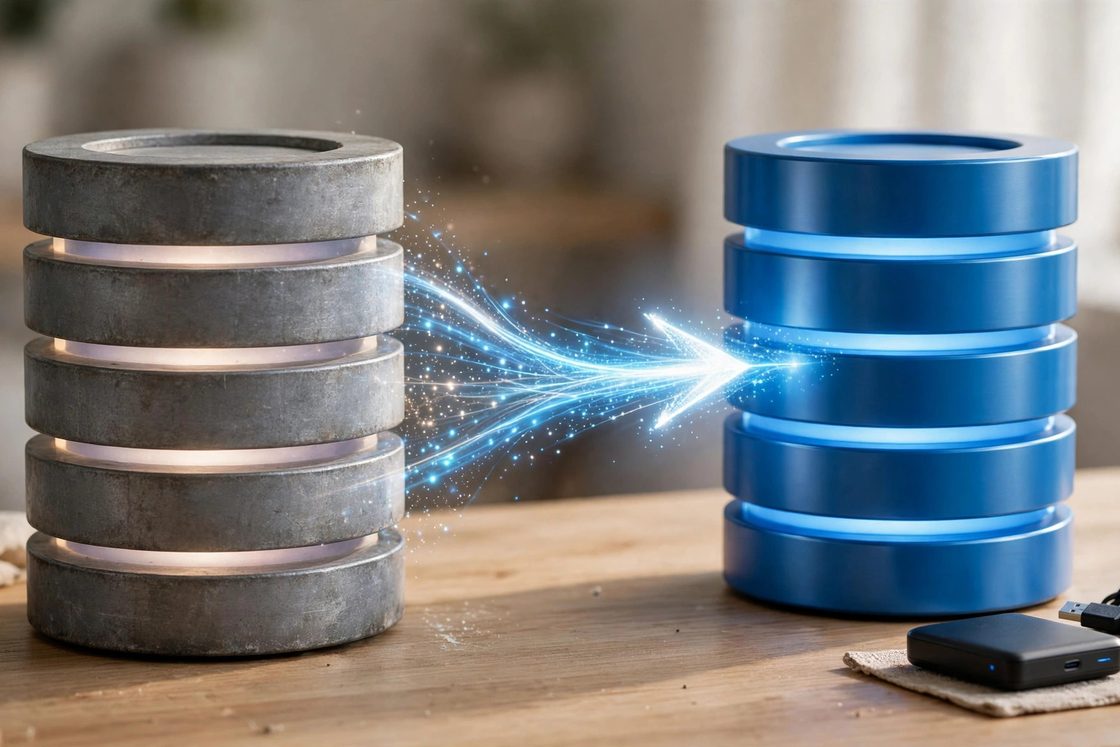
Phase 3: Change capture — closing the gap that never stops moving
Between the backfill's start and its end, live users keep changing data, and dual-write catches most of it — but only what passes through the application. Direct database edits, background jobs and admin scripts all bypass it. That is why the third phase is change data capture: reading the database's own write-ahead log and applying every change to the new database in order.
Change capture is the phase teams skip most often, and it causes the quiet data loss: weeks after cutover, a handful of records turn out stale or missing, with no error anywhere, because they were written by a path nobody remembered. Set up the replication stream early, before the backfill starts, so it is already running when the backfill finishes.
Phase 4: Verification — proving the two databases agree
Verification is where migrations are won or lost, and it deserves its own phase because it is not a single check. Start with counts: rows per table, on both sides. Then compare checksums in batches — hash a thousand rows at a time on each side, so one differing row in a million is found without comparing every row by hand. Then sample random records, especially recently changed ones, and compare them field by field.
Then exercise the new database the way the application will: run its real read queries in shadow mode, where results are compared with the old database's answers but never shown to users. Shadow reads test what counts and checksums cannot: whether the new database answers the same questions the same way, under the same load. A missing index will not show up in a row count; it shows up as a query taking seconds in shadow mode and milliseconds on the old database. Fix every slow query before cutover, and keep verification running for a full business cycle — a week, not an afternoon.
Phase 5: Cutover — switching the reads, then the writes
Cutover happens in two steps, never one. First, switch reads to the new database while writes still go to both. Watch the error rates and slow-query logs for an hour of real traffic; if anything looks wrong, switching reads back is one configuration change, and no data is at risk. Only when reads are stable do you switch the writes.
The order matters because reads are reversible and writes are not. A bad read switch costs an hour and a configuration change; a bad write switch costs data that now exists in only one place. Announce the window, have the rollback command ready before you start, and decide in advance what "wrong" means — an error rate above a threshold set before, not a feeling in the moment.
Phase 6: Rollback — the plan you hope never to use
Every migration needs a rollback plan written down before cutover, and the plan is only real if it has been rehearsed. The rollback is the reverse of the cutover: switch reads back, switch writes back, and let the reverse stream bring the old database up to date with any writes that landed on the new one. That is why the old database keeps receiving writes after cutover — without it, there is no way back that does not lose data.
Keep the old database running for at least two weeks after a successful cutover, with the reverse stream live, before you discuss decommissioning it. The bugs that justify a rollback are often the slow ones: a monthly report, a scheduled job nobody watched, a corner of the product used only at month-end. Deleting the old database on day three turns a successful migration into a data-loss incident. When the two weeks pass clean, archive a final backup, then shut it down.
Migration checklist
| Phase | Done when… |
|---|---|
| Dual-write | Writes reach both databases; failures land in a replayable outbox |
| Backfill | All historical rows copied in batches; re-runs idempotent |
| Change capture | Log stream covers writes outside the application |
| Verification | Counts, checksums and samples match; shadow reads pass |
| Cutover | Reads first and stable; writes second; old database still warm |
| Rollback | Reverse dual-write live; rollback rehearsed |
What to do next
If your database is the reason your product feels slow or fragile, do not start by choosing a new database. Start by listing what the current one cannot do, how many records you have, and which writes bypass the application — those answers decide whether you need a migration at all. If the answer is a migration, the playbook above is the order to run it in. We handle this work under custom API and backend development and SaaS application development. Get an instant estimate or tell us about your database on WhatsApp.